 HST for PolymarketHIGH SPEED TRADINGHST for PolymarketHIGH SPEED TRADING
The only one with the “Second Eye System.”
See the order book level by level. Place a limit order with one click. Protect every position with a stop and a target, right on the ladder.
Works with your existing Polymarket account. Your key never leaves your computer.
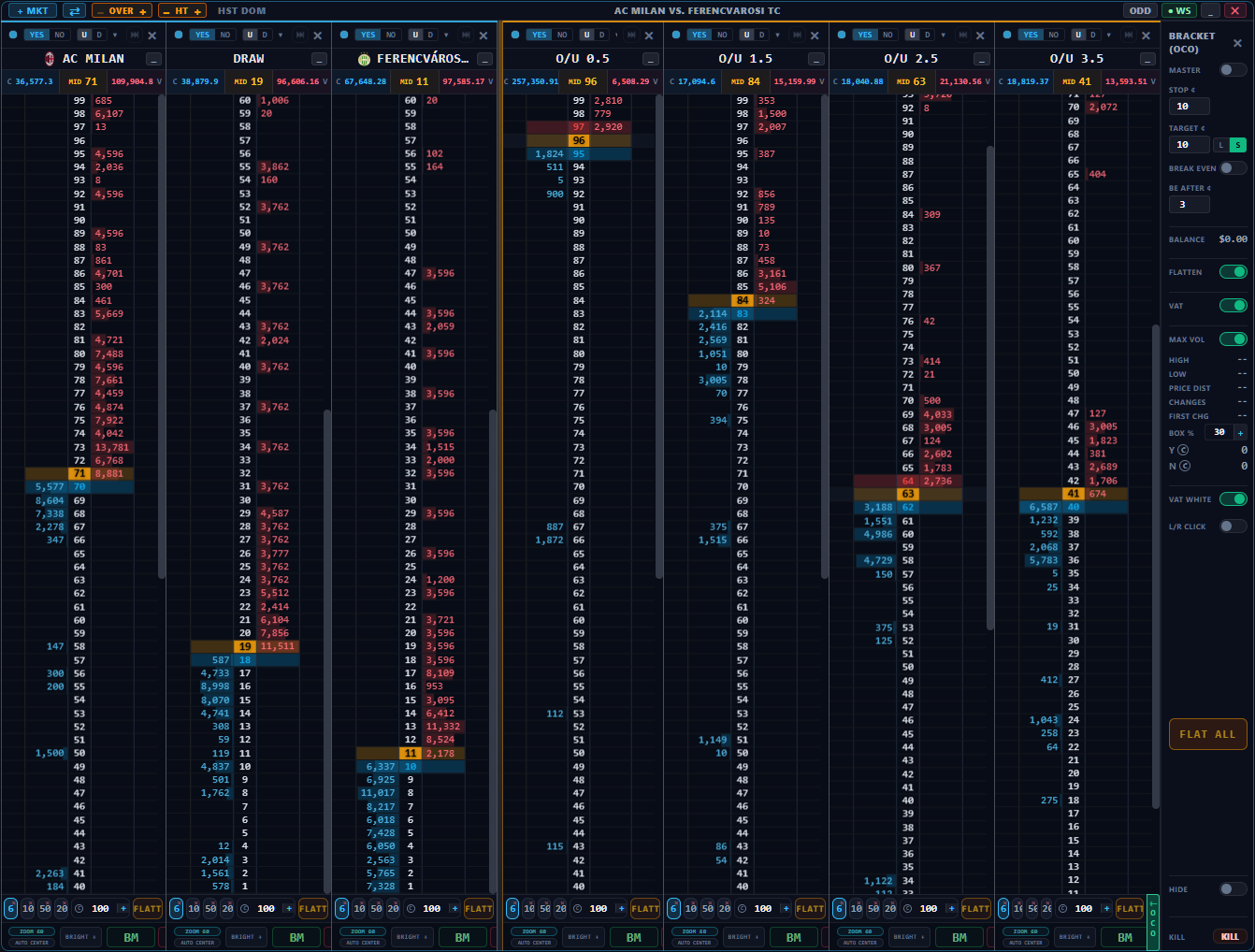
HST is a Windows terminal for Polymarket built by traders, for traders. It replaces the website's buy box with the tool professional traders use on futures exchanges: a price ladder (DOM) with the full order book, one-click orders, and risk tools attached to the position.
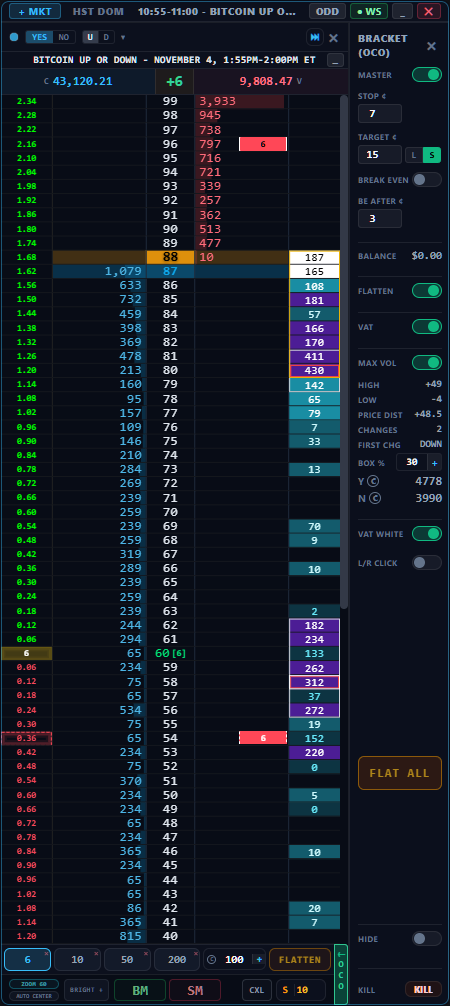
Seven tools, one screen.
Built by Traders, for Traders.
The single book is a ladder built like the order book of a futures exchange: YES token on one side, NO token on the other. Buying YES works exactly like going long a futures contract; buying NO works exactly like going short the same contract. Same look, same clicks, same dynamics, in one ladder designed for fast decisions.
The full order book, level by level, from 1¢ to 99¢. See where the liquidity sits before you click. Optional odds view.
Click a price on the bid side to place a limit order there. Click above the ask to hit the market. Click another level to move the order. Click it again to cancel.
Set a stop and a target with one click each. The stop fires on the exchange price and exits at market. The target waits in the book as a limit order.
How many shares traded at each level since the market opened, with a MAX VOL marker on the busiest level. Spot support and resistance at a glance.
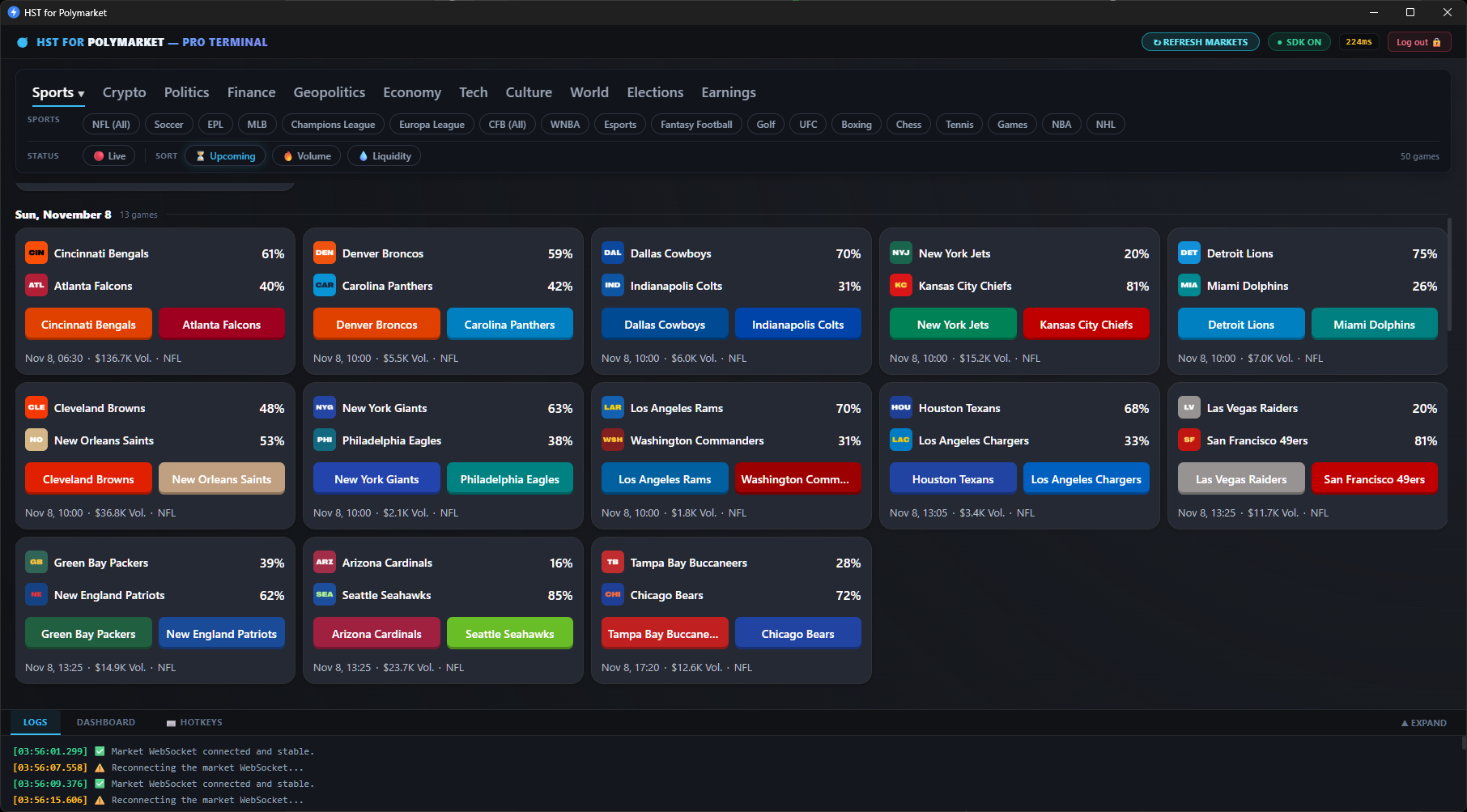
All Polymarket categories organised like the exchange: live games first, then upcoming, with the same cards and pictures you already know. One click opens the ladder.
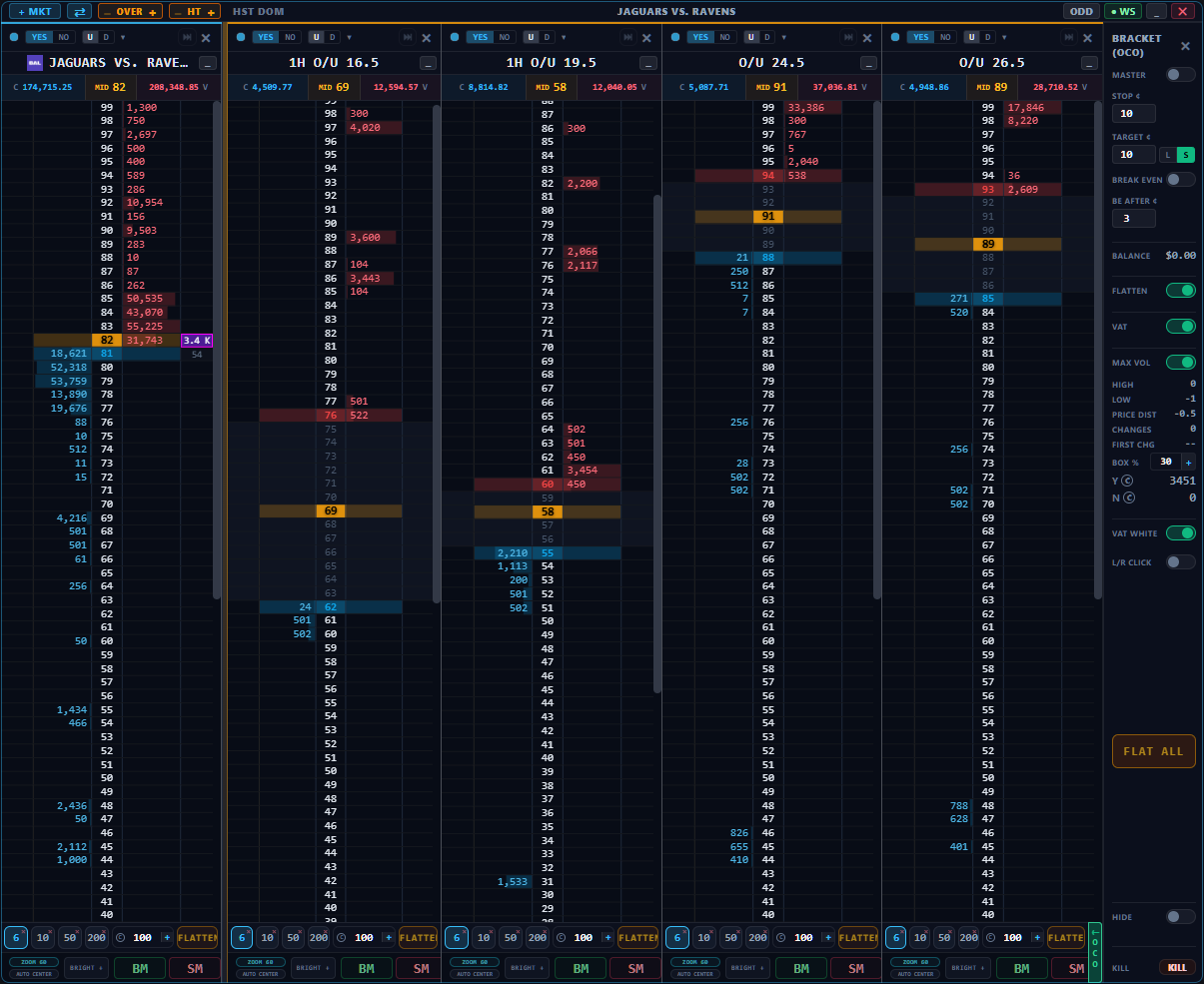
Open the Bitcoin 5-minute and 15-minute markets, or two games, side by side. Each ladder keeps its own orders, stop and target.
One installer for Windows 10 and 11. No account to create. On the first run, HST asks for your e-mail once, to send you the quick-start guide.
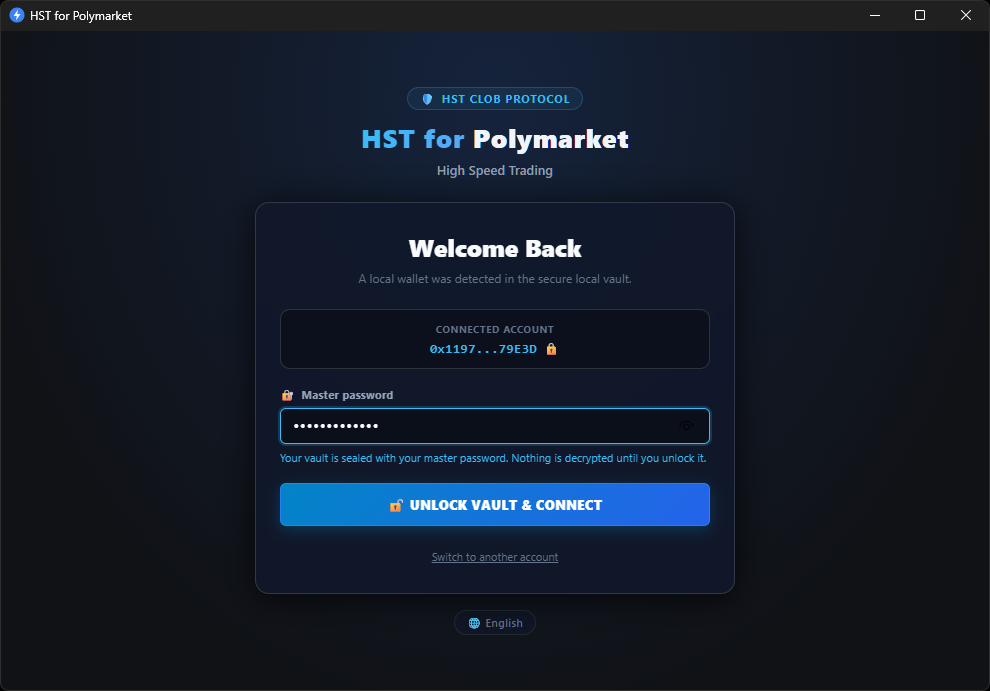
Paste your Polymarket private key (or deposit wallet key). HST seals it in a local vault with a master password you choose. It never leaves your computer.
Choose a card, the ladder opens, click a price. Stop, target and position are on the same screen. Your order history is kept by day.
HST does not charge a subscription or a licence. Each executed order carries a builder fee of 0.3% of the traded value (1 share at 40 cents = about 0.12 cent; 10 shares at 40 cents = about 1.2 cents), charged through Polymarket's builder program and paid by you on top of Polymarket's own fees. No card, no plan, no trial that expires.
No. HST works with the Polymarket account you already have. You sign in with your Polymarket key, stored in a local vault on your computer.
Your key is encrypted on your disk with a master password only you know. HST never sends it anywhere. Orders are signed on your computer and go straight to Polymarket.
Yes. HST is a new application, so the first time you run the installer Windows may show a blue screen saying "Windows protected your PC". This happens with every new program that has not yet built a reputation with Microsoft; it is not a virus warning. Click "More info" and then "Run anyway". You will see this only on the first install. Updates arrive through HST itself, without this screen, and the warning fades away gradually as HST builds its reputation and earns Microsoft's certifications.
No. The stop lives in HST, so keep the window open while you have a position. Limit orders and targets stay in the exchange book even when HST is closed.
There is no subscription and no licence. You pay a builder fee of 0.3% of the traded value on each executed order (1 share at 40 cents = about 0.12 cent; 10 shares at 40 cents = about 1.2 cents), on top of Polymarket's own fees. Nothing else.
Every prediction market open on Polymarket: crypto (including the 5 and 15-minute Bitcoin markets), sports, politics, finance and more. Perpetual futures are not supported yet; we are working on them and they will come in a future update.
Yes, Windows 10 and 11 for now.
HST follows Polymarket's own list of restricted countries. If Polymarket is not available where you are, HST is not either.
Download HST for Polymarket. No subscription, 20 MB, no sign-up.
Download for WindowsVersion 0.10.3 · Windows 10 / 11Need help? Read the install guide.
A note about Windows SmartScreen. HST is a new application, so the first time you run the installer Windows may show a blue screen saying "Windows protected your PC". This happens with every new program that has not yet built a reputation with Microsoft; it is not a virus warning. Click "More info" and then "Run anyway". You will see this only on the first install. Updates arrive through HST itself, without this screen, and the warning fades away gradually as HST builds its reputation and earns Microsoft's certifications.
HST for Polymarket is not available in your country.